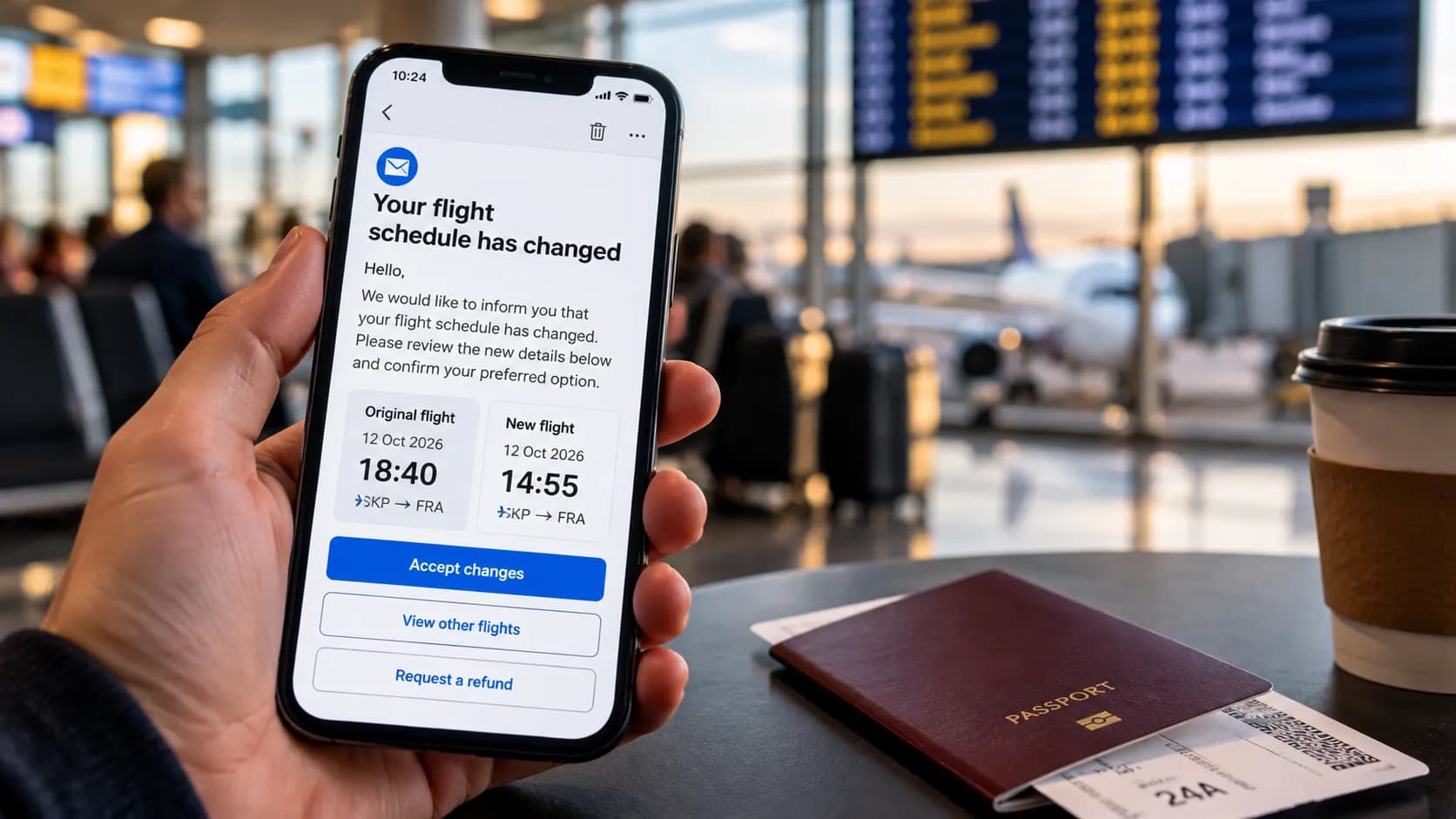
Your suitcase does not appear on the carousel.
Everyone else leaves.
The screen changes to another flight.
At that point, a luggage tracker becomes much more useful than it looked when you bought it.
It cannot physically bring the suitcase back. It cannot force an airline to deliver it faster. But it can answer one extremely useful question:
Where is my bag right now?
For travellers using an iPhone, the obvious choice is Apple’s AirTag. For Samsung Galaxy users, the closest equivalent is the Galaxy SmartTag2.
But in 2026, the comparison changed.
Apple introduced the second-generation AirTag in January with improved Precision Finding range, a louder speaker and expanded Bluetooth performance. More importantly for travellers, Apple’s Share Item Location system is now accepted by more than 50 airlines, allowing passengers to temporarily share the location of a missing bag directly with participating airline teams.
Samsung’s SmartTag2 remains a strong tracker with UWB support on compatible Galaxy phones, IP67 protection, a replaceable battery and a claimed battery life of up to 500 days.
So which one would we actually choose for checked luggage?
The Fintayo test
This is not presented as a laboratory or physical endurance test.
We compared both products using their current official specifications and a repeatable travel scenario:
- Put the tracker inside a checked suitcase.
- Check whether the suitcase is still near you before departure.
- Follow its approximate movement through an airport.
- Simulate the bag failing to arrive.
- Try to locate it remotely.
- Evaluate how easily the location can be shared with someone who can actually recover the bag.
- Compare battery, durability, ecosystem restrictions and practical travel value.
For luggage, the most important feature is not which tracker has the prettiest app.
It is what happens after the bag disappears.
Quick verdict
| Category | AirTag 2 | Galaxy SmartTag2 |
|---|---|---|
| Nearby finding | 9.5/10 | 9/10 |
| Long-distance crowd finding | 9.5/10 | 8.5/10 |
| Airline recovery integration | 10/10 | 6/10 |
| Battery | 9/10 | 10/10 |
| Water/dust resistance | 9/10 | 9/10 |
| Ease of setup | 10/10 | 9/10 |
| Platform flexibility | 5/10 | 5/10 |
| Checked-luggage usefulness | 9.4/10 | 8.3/10 |
Fintayo winner for checked luggage: AirTag 2
Not because Samsung’s tracker is poor.
The decisive advantage is airline recovery integration.
AirTag 2: what changed in 2026?
The original AirTag already worked well for luggage because of Apple’s Find My network.
The second-generation version improves the areas that matter when trying to locate something in a crowded environment.
Apple says the 2026 AirTag uses its second-generation Ultra Wideband chip and can provide Precision Finding from up to 50% farther away than the previous generation. The internal speaker is also 50% louder and can be heard from up to twice the distance under Apple’s stated conditions.
Its specifications include:
- Bluetooth proximity finding
- second-generation UWB
- NFC
- built-in speaker
- replaceable CR2032 battery
- IP67 water and dust resistance
- weight of 11.8 g
For ordinary luggage use, however, the upgraded speaker is not the most important improvement.
Share Item Location is.
The feature that changes the luggage comparison
Imagine this situation:
You: Barcelona Your suitcase: Frankfurt Airline system: Bag status unknown Tracker: Last seen at Frankfurt AirportKnowing that yourself is useful.
Being able to give that location directly to an airline is far more useful.
Apple’s Share Item Location allows an AirTag owner to generate a temporary location-sharing link for a missing item.
Apple says more than 50 airlines now accept these links through their customer-service processes. The list includes airlines such as Lufthansa, Delta, Singapore Airlines and United, and Apple has previously named European carriers including Austrian, British Airways, KLM, Swiss, Turkish Airlines and Vueling among participating or planned participants.
The shared link:
- updates when a new location is detected
- can be stopped by the owner
- stops once the item is recovered
- automatically expires after seven days
This turns the tracker from a personal locating device into part of an actual baggage-recovery workflow.
That is a substantial advantage.
SmartTag2: excellent hardware, different ecosystem
Samsung’s Galaxy SmartTag2 is slightly larger than an AirTag but remains compact enough to disappear inside almost any suitcase.
Samsung lists:
Dimensions: 28.8 × 52.44 × 8 mm Weight: 13.75 g Battery: replaceable CR2032 Battery life: up to 500 days Bluetooth: BLE 5.3 Bluetooth range: up to 120 m in open conditions Water/dust resistance: IP67 UWB: supportedThe quoted 120-metre Bluetooth figure assumes favourable conditions without major obstacles, so it should not be interpreted as a guaranteed airport range.
When the tracker is outside direct Bluetooth range, Samsung uses the Galaxy Find Network, relying on nearby participating Galaxy devices to detect the tag and update its location.
The basic concept is therefore similar to AirTag:
The tracker does not need its own mobile-data connection. Nearby devices help report where it is.
For Samsung Galaxy owners, that works very well.
Where SmartTag2 can actually beat AirTag
Battery life is one of the clearest advantages.
Samsung advertises up to 500 days of typical operation and even longer in Power Saving Mode, although actual battery life depends on usage and conditions.
Both products use a user-replaceable CR2032 coin cell, which makes either far more practical than a rechargeable tracker that may be forgotten before a trip. Apple likewise supports user replacement of the AirTag battery.
SmartTag2 also includes a physical loop in its design.
That sounds trivial until you actually attach a tracker to:
- a suitcase zipper
- an internal luggage strap
- a backpack
- a key ring
AirTag normally needs a separate holder or accessory when physically attached.
For checked luggage we would still place either tracker inside the bag, rather than hanging it visibly from the outside.
An external tracker can be damaged or removed.
SmartTag2 Lost Mode is genuinely useful
Samsung has another good recovery feature.
When Lost Mode is enabled, someone who finds a SmartTag2 can tap it using an NFC-capable smartphone and view contact information or a message previously registered by the owner.
Samsung states that this can work regardless of the finder’s phone operating system, provided the device can read NFC and has internet access.
Example:
This bag belongs to: John Smith Please call: +... Reward offeredThat is excellent for:
- backpacks
- keys
- bags left in taxis
- luggage collected by the wrong passenger
But an airport baggage handler does not normally search suitcases by tapping their trackers with NFC.
For airline mishandling, AirTag’s location-sharing workflow is more directly relevant.
The airport scenario
Consider the same delayed bag with each device.
With AirTag 2
1. Open Find My 2. View last reported location 3. Mark the item as lost if necessary 4. Create Share Item Location link 5. Give the link to a participating airline 6. Airline staff can view the current reported locationWith SmartTag2
1. Open SmartThings Find 2. View last reported location 3. Activate Lost Mode 4. Give the airline your baggage claim details 5. Explain where your tracker currently reports the bagBoth give you useful information.
Only the first workflow currently has a widely documented direct airline-sharing mechanism.
That difference is why AirTag wins this comparison.
Can you put these trackers in checked luggage?
Yes, subject to the applicable battery limits and airline rules.
IATA’s current lithium-battery guidance specifically states that AirTags and similar baggage tracking devices can remain active inside checked baggage when their battery falls within the permitted small-battery limits and the tracker uses low-energy Bluetooth.
The FAA similarly states that baggage location tracking devices powered by small lithium batteries can be permitted in checked bags within its stated battery thresholds.
This is very different from a power bank.
A power bank is treated as a spare lithium battery and generally belongs in carry-on baggage, not inside checked luggage.
So do not confuse:
Small Bluetooth tracker ≠ power bankAlways check the operating airline’s current baggage rules before travel.
Do trackers show your suitcase in real time?
No.
This is one of the biggest misconceptions.
An AirTag or SmartTag2 is not the same as a GPS tracker with a permanent cellular data connection.
The displayed location is dependent on the tracker being detected by a compatible nearby device.
That means the app may show:
Last seen 2 minutes agorather than a continuously moving dot.
Inside a busy terminal there are usually many phones around.
Inside:
- an aircraft cargo hold
- a remote baggage warehouse
- a metal container
- a quiet service area
updates may become less frequent.
The tracker tells you the last reported location.
It does not give you an aircraft-radar feed.
Which one is better inside the airport itself?
When your suitcase is nearby but difficult to locate, both trackers offer close-range tools.
AirTag 2 uses Precision Finding with compatible Apple hardware.
SmartTag2 offers Search Nearby and Compass View on compatible UWB-enabled Galaxy phones. Samsung warns that accuracy can be reduced by walls, drawers, cars and other physical obstacles.
For luggage arriving on an airport carousel, both are more than adequate.
A more realistic use case is:
App: suitcase is nearby Carousel: still emptyThat information can tell you that the bag has reached roughly the same airport even before it appears physically.
But do not enter restricted baggage areas because your phone shows the tracker nearby.
The location is information for you and airport staff—not permission to retrieve the bag yourself.
What about network size?
This is difficult to compare fairly.
Apple uses the Find My network, a crowdsourced network of Apple devices that can detect nearby compatible items.
Samsung uses its Galaxy Find Network, whose effectiveness depends on participating Galaxy users being close enough to the SmartTag2.
Neither company gives you a useful guarantee such as:
Your bag will be detected every 37 seconds at every European airport.Real-world performance depends on:
- airport traffic
- local device mix
- where the suitcase is stored
- physical obstructions
- whether compatible phones pass nearby
For that reason, we would not assign a precise percentage advantage to either network.
However, the additional ability to share an AirTag’s location directly with participating airlines gives Apple a practical recovery advantage even after the location has been found.
The platform-lock problem
Here is the biggest reason not to choose based only on our overall score.
Buy AirTag 2 if you use an iPhone
The 2026 AirTag requires an Apple Account and compatible iPhone or iPad software.
If your primary phone is Android, AirTag is not the logical choice simply because it wins this comparison.
Buy SmartTag2 if you use Samsung Galaxy
SmartTag2 is designed around Samsung’s SmartThings Find ecosystem.
UWB-based Compass View requires a compatible Galaxy phone with UWB support.
Other Android users
A Pixel, Motorola or another non-Samsung Android owner should also consider trackers designed for Google’s Find Hub network rather than buying into Samsung’s ecosystem solely for luggage tracking.
Google’s current Find Hub supports Bluetooth tracker tags and a crowdsourced network of Android devices, including compatible UWB tracking on supported phones and tags.
The best tracker is usually the one that integrates properly with the phone already in your pocket.
Where should you place the tracker?
Our recommendation:
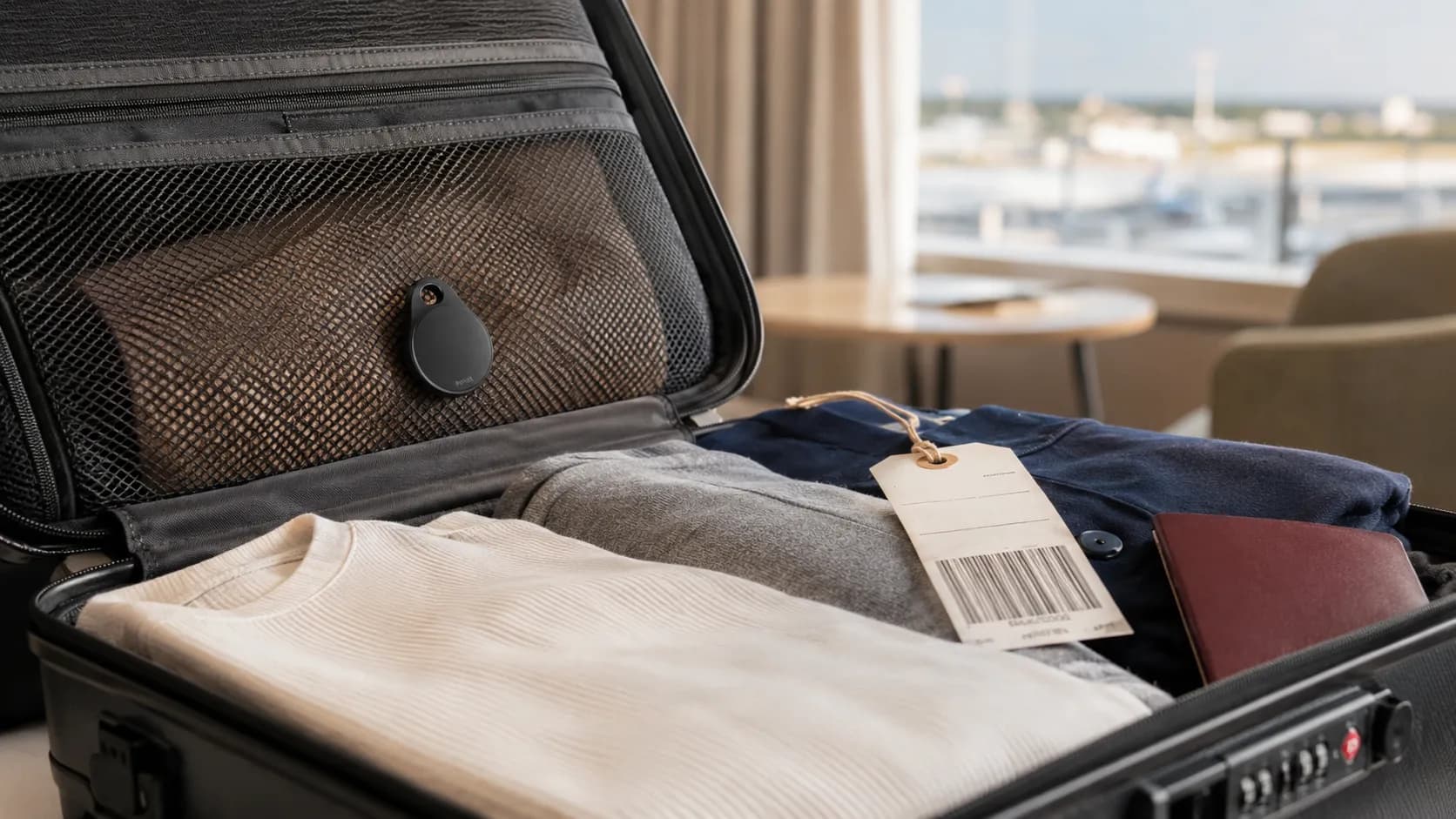
Inside the suitcase Near the upper layer Inside a zipped mesh compartment Away from liquid toiletriesDo not bury it inside:
A metal container A toiletry tin Several layers of electronics A foil-lined pouchThe tracker communicates wirelessly.
There is no benefit in making that communication more difficult.
An internal mesh pocket is ideal because the device stays hidden and secure without being surrounded by dense objects.
One tracker per suitcase
For families, do not place all trackers in one bag.
Use:
Bag 1 → Tracker 1 Bag 2 → Tracker 2 Bag 3 → Tracker 3Name them clearly:
Branko – Black Suitcase Ana – Blue Suitcase Kids – Large Grey SuitcaseThe wrong naming system becomes surprisingly confusing when three bags stop updating at approximately the same airport.
Replace the battery before an important trip
A tracker is inexpensive compared with the value of a missing suitcase.
Do not try to squeeze the final weeks out of an old coin-cell battery before a long trip.
Before departure:
Open tracker app Confirm tracker is online Check battery warning Play sound Verify correct tracker name Confirm Lost Mode details Update phone softwareAirTag alerts the owner when its battery becomes low.
For a major international journey, replacing an aging CR2032 before departure is cheap insurance.
Final score
AirTag 2
Finding technology: 9.5 Airline integration: 10.0 Battery practicality: 9.0 Durability: 9.0 Ease of use: 10.0 Luggage recovery: 9.5 Fintayo score: 9.4/10Galaxy SmartTag2
Finding technology: 9.0 Airline integration: 6.0 Battery practicality: 10.0 Durability: 9.0 Ease of use: 9.0 Luggage recovery: 8.0 Fintayo score: 8.3/10The Fintayo takeaway
If you own an iPhone and regularly check luggage, AirTag 2 is currently our preferred choice.
The hardware improvements are useful, but the real reason is not the louder speaker or the longer Precision Finding range.
It is this:
Finding the suitcase is only half the problem. Getting the airline to recover it is the other half.
Apple’s ability to share a temporary item-location link with more than 50 participating airlines closes that gap better than the competing workflow currently offered by SmartTag2.
For Samsung Galaxy users, SmartTag2 remains a very good luggage tracker, particularly because of its long battery life, replaceable battery, UWB features and excellent Lost Mode.
Our buying rule is simple:
iPhone → AirTag 2 Samsung Galaxy → SmartTag2 Other Android → Find Hub-compatible trackerAnd regardless of which tracker you choose:
Keep the baggage receipt.
File the delayed-baggage report.
Follow the airline’s official recovery procedure.
Then use the tracker as additional evidence showing where your suitcase may actually be.
A tracker is not a replacement for the airline’s baggage system.
It is the second pair of eyes you wish you had when the carousel stops moving.