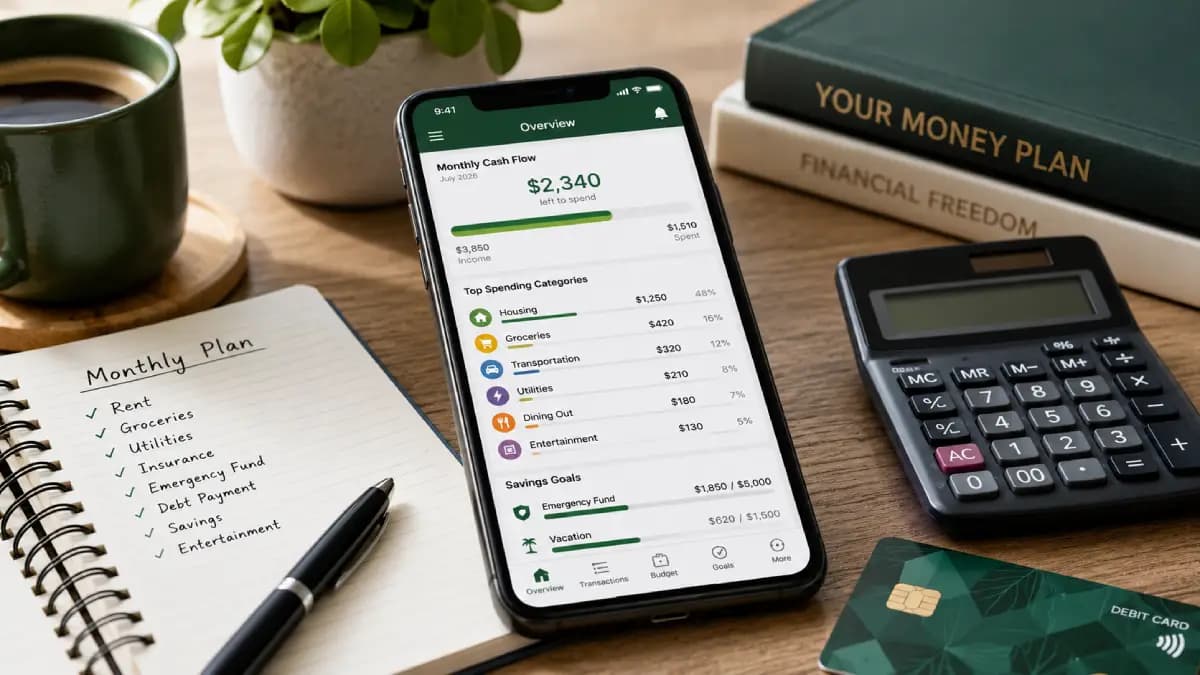
A budgeting app can organize transactions, track spending and show whether your financial plan is working. But downloading the most popular app does not automatically lead to better money habits.
The right choice depends on how you prefer to manage money. Some people need a hands-on system that assigns every dollar before it is spent. Others want automatic account syncing, household collaboration or a quick view of how much money is safe to spend.
This guide compares six popular budgeting apps for different types of users. Pricing and features were reviewed in July 2026 and may change, so verify current terms before subscribing.
Quick comparison
- YNAB: Best for active, zero-based budgeting
- Monarch Money: Best for couples and a complete financial dashboard
- Rocket Money: Best for subscriptions and automated spending visibility
- EveryDollar: Best for a simple zero-based budget
- PocketGuard: Best for controlling overspending
- Goodbudget: Best for digital envelope budgeting
Best budgeting apps at a glance
| App | Best for | Free option | Typical paid price* |
|---|---|---|---|
| YNAB | Hands-on zero-based budgeting | Free trial | $109/year or $14.99/month |
| Monarch Money | Couples and complete financial tracking | Free trial | About $99/year |
| Rocket Money | Subscriptions and spending monitoring | Yes | Flexible Premium pricing |
| EveryDollar | Simple zero-based budgeting | Yes | Paid upgrade available |
| PocketGuard | Knowing what is safe to spend | Limited option may be available | $74.99/year or $12.99/month |
| Goodbudget | Envelope budgeting | Yes | $80/year or $10/month |
How we compared budgeting apps
A useful budget app should make financial decisions clearer rather than adding another complicated system to maintain.
We evaluated each option using several practical criteria:
- Budgeting method and level of user involvement
- Automatic bank and credit card connections
- Transaction categorization
- Household and partner collaboration
- Goal and debt tracking
- Subscription and bill monitoring
- Availability of a free plan or trial
- Overall complexity and learning curve
- Value relative to the subscription cost
No single app is the best choice for every user. A tool with extensive reports and investment tracking may be ideal for one household and unnecessarily complex for another.
1. YNAB: Best for active zero-based budgeting
YNAB, short for You Need a Budget, is designed around an active budgeting method in which available money is assigned to categories and financial priorities.
Instead of only reviewing where money went after it was spent, the system encourages users to decide what their current money needs to do next.
Who YNAB may suit
- People who want to practice zero-based budgeting
- Users who are willing to review and adjust categories regularly
- Households trying to break the paycheck-to-paycheck cycle
- Partners or families who want to share one subscription
- People who value budgeting education and detailed guidance
Potential drawbacks
YNAB requires more active participation than a passive expense tracker. New users may need time to understand the method, especially when assigning money already in their accounts rather than forecasting income that has not yet arrived.
The subscription is also relatively expensive compared with free apps and basic spreadsheets.
YNAB pricing
At the time of review, YNAB listed an annual subscription of $109 or a monthly subscription of $14.99. It also offered a 34-day trial. Eligible college students may qualify for a free year under the company’s student program.
Best choice for: Users who want budgeting to be an active weekly habit rather than an automatic report.
2. Monarch Money: Best for couples and a complete financial view
Monarch Money combines budgeting with account aggregation, recurring expense tracking, financial goals, investment visibility and net-worth monitoring.
It may appeal to households that want to see checking accounts, savings, credit cards, loans and investments in one dashboard.
Who Monarch Money may suit
- Couples managing both joint and separate accounts
- Households that want collaborative budgeting
- Users who want investment and net-worth tracking
- People replacing a broad personal finance dashboard
- Users who prefer customizable reports and categories
Potential drawbacks
Monarch may provide more functionality than someone needs for a simple monthly budget. It is a paid, subscription-supported product rather than a permanently free budgeting service.
Users should also confirm that their financial institutions connect reliably before committing to an annual subscription.
Monarch Money pricing
Monarch advertised a paid annual plan of approximately $99 at the time of review, with a seven-day trial. Promotional pricing for new customers may occasionally be available.
Best choice for: Couples and households that want budgeting, goals, investments and net worth in one place.
3. Rocket Money: Best for subscriptions and spending visibility
Rocket Money combines budgeting and transaction monitoring with tools designed to identify recurring subscriptions and bills.
Its free version can provide a quick view of spending, recurring charges and basic financial activity. Premium features may include subscription cancellation assistance, advanced budgeting tools and additional account-management features.
Who Rocket Money may suit
- People who suspect they are paying for forgotten subscriptions
- Users who want automatic transaction monitoring
- People who prefer a less hands-on budgeting process
- Users who want to test a free service before upgrading
- Households focused on reducing recurring bills
Potential drawbacks
Rocket Money is broader than a dedicated zero-based budget system. Users who want to assign every dollar before spending it may prefer YNAB or EveryDollar.
Some money-saving and bill-negotiation services may involve separate terms or fees, so review the details before authorizing them.
Rocket Money pricing
Rocket Money offers a free plan. Its Premium membership has used flexible pricing, commonly within a range of approximately $7 to $14 per month, although the exact amount and available options can change.
Best choice for: Users who want help finding subscriptions and understanding recurring spending.
4. EveryDollar: Best for simple zero-based budgeting
EveryDollar is built around the zero-based budgeting method. Users create categories and plan how all expected income will be used during the month.
Its interface focuses on building and maintaining a monthly plan without requiring the broader investment and net-worth features offered by more comprehensive financial platforms.
Who EveryDollar may suit
- Beginners who want a structured monthly budget
- People following a zero-based budgeting system
- Users who prefer a relatively simple interface
- Households focused on debt payoff
- People who want to start with a free account
Potential drawbacks
Some automatic and advanced features require a paid upgrade. The product is also closely aligned with the Ramsey budgeting and debt-payoff philosophy, which may not fit every user’s financial approach.
EveryDollar pricing
EveryDollar offers a free version for manually creating and tracking a budget. A paid upgrade adds more automation and functionality. Check current pricing directly before subscribing.
Best choice for: Users who want a straightforward zero-based monthly budget.
5. PocketGuard: Best for controlling overspending
PocketGuard is designed to help users understand how much money remains after bills, goals and planned spending are considered.
Its budgeting and “leftover” approach can be useful for someone who wants a quick answer to a practical question: How much can I spend without disrupting the rest of my financial plan?
Who PocketGuard may suit
- People who regularly overspend variable categories
- Users who want automated bank transaction syncing
- People tracking bills, subscriptions and debt
- Users who prefer a snapshot over a detailed budgeting ritual
- People who want customized spending limits
Potential drawbacks
Advanced customization and planning features are concentrated in the paid plan. Users should verify whether the free option provides enough functionality for their needs.
PocketGuard pricing
At the time of review, PocketGuard Plus was listed at $12.99 per month or $74.99 per year. The annual plan is equivalent to approximately $6.25 per month. A lifetime option may also be offered, but availability and pricing can change.
Best choice for: Users who need clear spending limits and an estimate of money left after obligations.
6. Goodbudget: Best for digital envelope budgeting
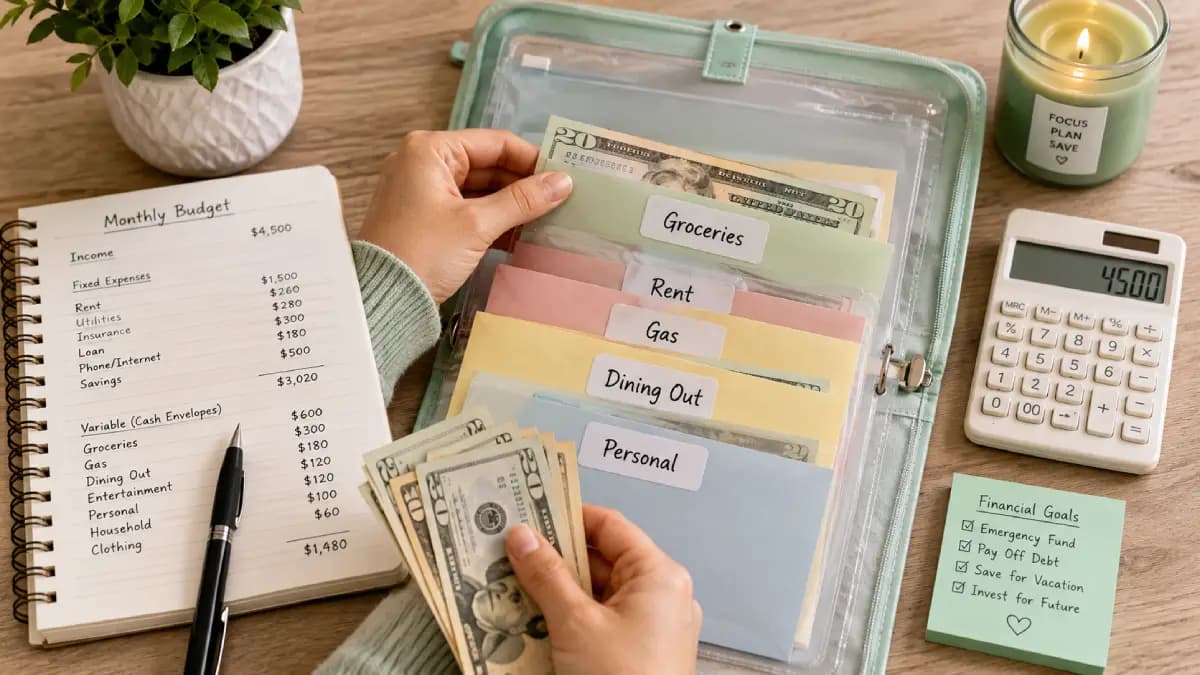
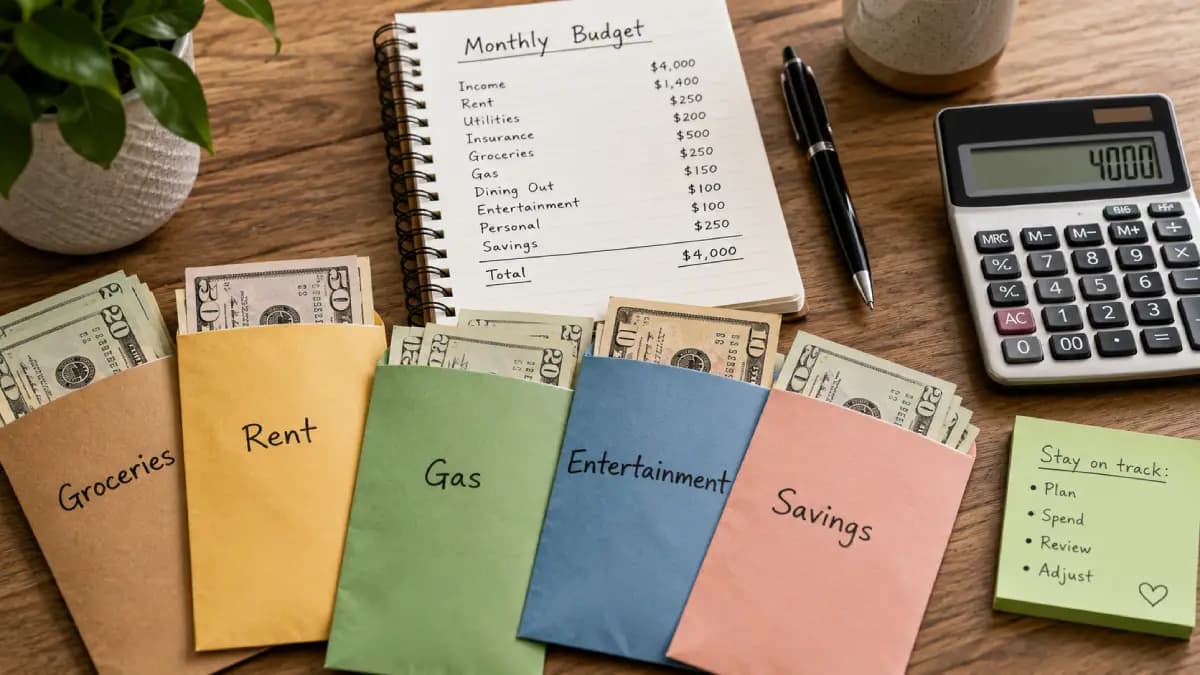
Goodbudget adapts the traditional envelope budgeting method to phones and the web.
Money is assigned to digital envelopes for categories such as groceries, transportation, housing and entertainment. Household members can share the budget across supported devices.
Who Goodbudget may suit
- People who already understand envelope budgeting
- Couples who want to coordinate category spending
- Users who prefer manually controlled categories
- People who want a permanently free starting option
- Users who do not need extensive investment tracking
Potential drawbacks
The free version limits the number of envelopes, accounts, devices and transaction history. Automatic bank syncing is associated with paid functionality and may depend on location and supported institutions.
Goodbudget pricing
Goodbudget offers a free plan that can be used indefinitely. Its Premium plan was listed at $10 per month or $80 per year at the time of review.
Best choice for: Users who want a digital version of cash envelopes and shared household planning.
Which budgeting app is best for you?
Start by identifying the financial behavior you are trying to improve.
| Your priority | App to consider |
|---|---|
| Assign every dollar before spending | YNAB or EveryDollar |
| Manage finances with a partner | Monarch Money or Goodbudget |
| Find subscriptions and recurring charges | Rocket Money |
| Control discretionary overspending | PocketGuard |
| Use digital spending envelopes | Goodbudget |
| Track net worth and investments | Monarch Money |
Do not choose an app only because it has the longest feature list. Choose the simplest tool that solves your actual budgeting problem.
Free budgeting app vs. paid budgeting app
A free app may be enough when you primarily need:
- A basic monthly spending plan
- Manual transaction entry
- A limited number of categories
- Simple subscription visibility
- An introduction to a budgeting method
A paid app may be worthwhile when it reliably saves time or helps you avoid expensive mistakes through:
- Automatic account syncing
- Shared household access
- Detailed financial reports
- Debt and goal planning
- Investment and net-worth tracking
- Subscription cancellation tools
Before paying for a year, use the free version or trial through at least one complete budgeting cycle. The tool should fit your normal routine, not only feel impressive during the first day.
Are budgeting apps safe?
Budgeting apps may connect to sensitive financial accounts, so security and privacy should be part of the decision.
Before connecting an account, review:
- Whether the app uses a third-party financial data provider
- Whether login credentials are stored by the app
- Available multifactor authentication
- Encryption and account-security practices
- The privacy policy and data-sharing terms
- How to disconnect and delete linked data
Use a unique password and enable multifactor authentication whenever it is available. Avoid connecting accounts over unsecured public Wi-Fi.
Remember
A budgeting app can organize information, but it cannot replace financial decisions. Review your categories regularly and act on what the data shows.
Can you budget without an app?
Yes. A spreadsheet, notebook or printable worksheet may work better when you prefer full control, do not want to connect financial accounts or need a completely free system.
The Fintayo Budget Calculator can help you compare income, needs, wants and financial goals without creating an account.
You can also use the Fintayo Monthly Budget Planner to record planned and actual expenses and print the completed plan.
The quality of your budgeting habit matters more than whether the method uses an app, spreadsheet or paper.
How to test a budgeting app
- Define the problem. Decide whether you need spending limits, subscription tracking, shared access or a complete zero-based system.
- Use a free plan or trial. Avoid paying annually before testing the normal workflow.
- Connect only necessary accounts. Start with primary checking and credit card accounts.
- Correct the categories. Automatic categorization is rarely perfect.
- Complete one full month. A few days of transactions are not enough to judge usefulness.
- Review the result. The app should help you make at least one clearer financial decision.
Bottom line
YNAB is a strong option for users who want an active zero-based budgeting process. Monarch Money is better suited to couples and households that want a broad financial dashboard. Rocket Money focuses heavily on subscriptions and recurring spending, while PocketGuard is useful for understanding how much money remains safe to spend.
EveryDollar offers a simpler zero-based approach, and Goodbudget brings envelope budgeting to shared digital devices.
The best budgeting app is the one you will continue using after the initial setup. Start with a specific financial problem, test the tool for a complete month and pay only when the premium features provide measurable value.
Frequently asked questions
What is the best free budgeting app?
The answer depends on the budgeting method you prefer. EveryDollar offers a free zero-based budgeting option, Rocket Money provides free monitoring features and Goodbudget has a free envelope-based plan. Compare the limitations before selecting one.
Is YNAB worth the price?
YNAB may be worth the subscription for users who actively follow its budgeting method and regularly adjust categories. It may provide less value for someone who only wants automatic expense reports.
What budgeting app is best for couples?
Monarch Money provides household collaboration across a broad financial dashboard. Goodbudget is another option for couples who want to share an envelope-based spending plan.
What app is best for stopping overspending?
PocketGuard may help by estimating money left after obligations and category limits. YNAB can also help when overspending results from failing to assign money before making purchases.
Do budgeting apps affect your credit score?
Simply using a budgeting app generally does not affect your credit score. Some apps may display credit information or connect to credit accounts, but routine account aggregation is not the same as applying for credit.
Should I connect my bank account to a budgeting app?
Automatic syncing saves time, but it is optional with some services. Review the provider’s security, privacy and data-deletion practices before connecting financial accounts.